See where a code goes before it opens.
Glimpse by Lanternapps Studio is a private QR and barcode scanner for Android that checks links and UPI payments before opening, never shows ads on the scan screen, and keeps all scan data on your phone.
Get it on Google Play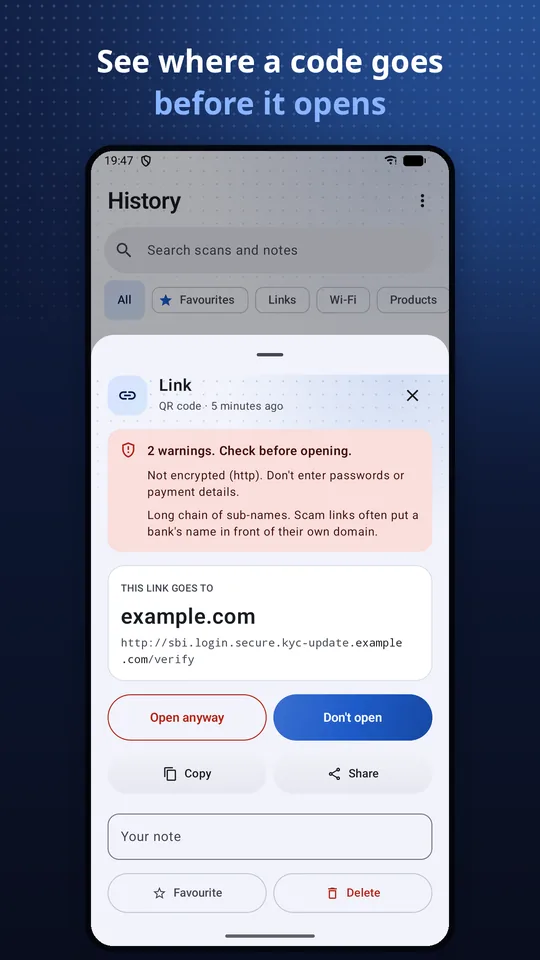
Link check first
The real site name, plus plain warnings for shorteners, disguised addresses, IP addresses, look-alike letters and app downloads.
UPI check
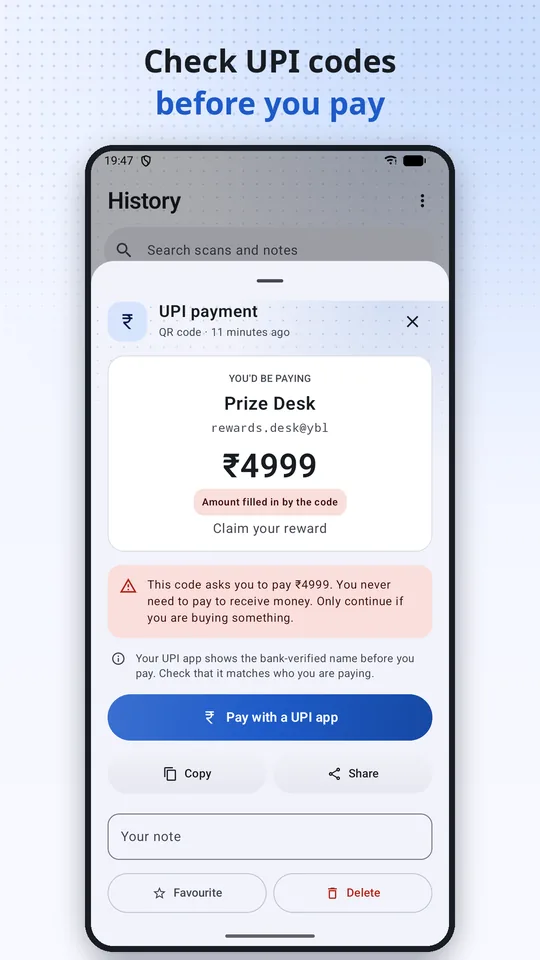
See the payee before you pay, and a warning when a code fixes an amount.
Scan anything
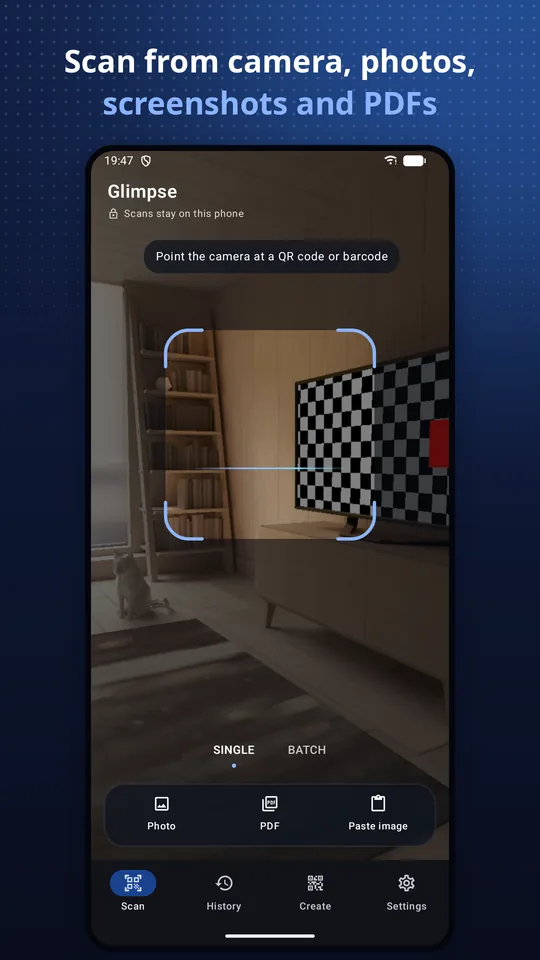
13 barcode formats from the camera, photos, screenshots, PDFs and the clipboard.
Manual mode
Small or crowded codes? Take a photo and Glimpse reads every code in it. Or drag a box with Select area to scan just one. The photo is never saved.
Batch scanning
Scan a shelf or a stack of codes in a row. Each new code is added once, with a running count.
Make codes
Wi-Fi, contact cards, UPI, SEPA, links and more. PNG or SVG. Static, so they never expire.
Private by design
- The camera is the only permission Glimpse asks for.
- No account. Scans are read on your phone and never uploaded.
- History stays on your phone and is never copied to cloud backups.
Free, with a fair one-time Pro
Scanning, link checks, plain codes and unlimited history are free. The free version shows a small ad under results and history, never on the camera. Glimpse Pro is a one-time purchase, with no subscription and no trial. It removes ads and adds styled codes with your logo, batch export, a widget, a Quick Settings tile and extra themes.
Glimpse compared
| Glimpse | Phone camera app | Typical free scanner app | |
|---|---|---|---|
| Shows where a link goes first | Yes, with warnings | Domain only | Often opens straight away |
| 1D barcodes (EAN, UPC, Code 128) | Yes | Usually no | Yes |
| Scan screenshots and PDFs | Yes | Partly | Images only |
| History and CSV export | Unlimited, on device | No | Often limited |
| Ads | Never on the camera; none with Pro | None | Often full-screen after each scan |
| Paid tier | One-time Pro | n/a | Often a weekly subscription |
Questions
Is it safe to scan QR codes?
Scanning is safe; opening is where the risk is. Glimpse never opens a link straight away. It shows the real site name first and warns about link shorteners, disguised addresses, raw IP addresses, look-alike letters and app downloads.
How do I check a UPI QR code before paying?
Scan it with Glimpse. It shows the payee's UPI ID and name and warns when the code fixes an amount. You never need to pay to receive money. Your UPI app then shows the bank-verified name before you pay.
Can I scan a QR code from a screenshot or PDF?
Yes. Glimpse scans codes in photos, screenshots, PDFs and clipboard images, and you can share an image or PDF to Glimpse from any app.
What if a code is too small or won't scan?
Switch to Manual and take a photo. Glimpse reads every code in it, even small or crowded ones, and the photo is never saved. If a code is still missed, tap Select area and drag a box over it.
Does Glimpse show ads?
The free version shows a small ad under scan results and history, and an occasional ad after saving several codes. Never on the camera and never right after a scan. Glimpse Pro, a one-time purchase, removes all ads.
Do Glimpse QR codes expire?
No. Codes made in Glimpse are static: the content is stored in the code itself, so they work forever and never depend on a server or subscription.
More answers on the help page.